Sending money from Nigeria to South Africa

With the Mavapay Money app, you can send money across borders swiftly and securely, giving you the confidence to transact effortlessly. Today we will talk about how smooth it is sending Naira or Bitcoin directly into a bank account in South Africa.
How to send money to South Africa
1. Open your Mavapay Money App
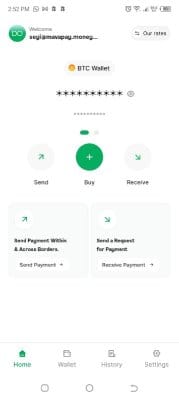
2. Choose Send
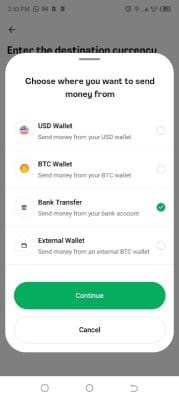
3. Choose (ZAR) South African Rand
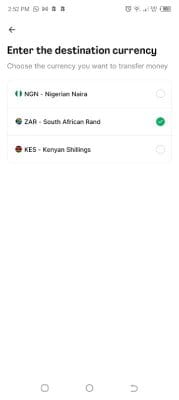
4.Choose where you are sending the money from
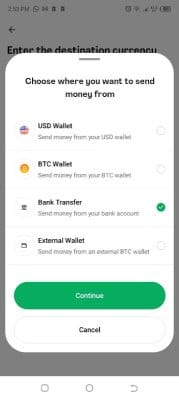
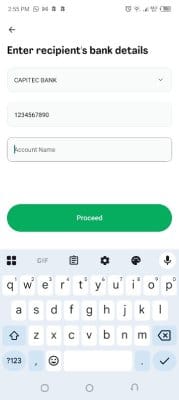
5. Input the Recipient bank details
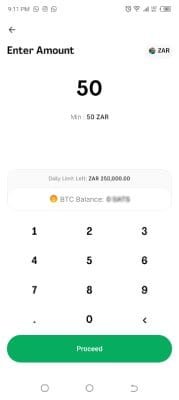
6. Enter the amount you want to send in ZAR
7. Make the bank payment to the provided account and hit 'I have paid'
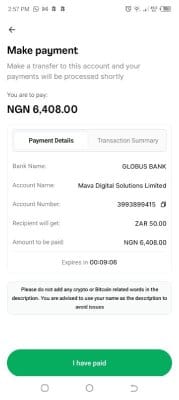
The recipient in South Africa will receive the funds directly in their South African bank account within a few minutes.
For those who don't have the Mavapay Money App, you can;