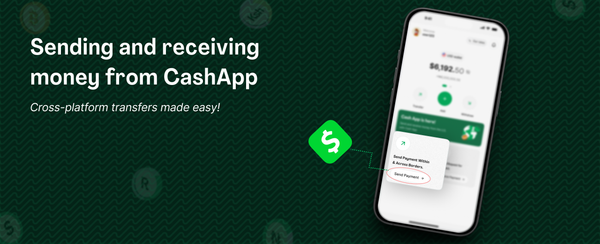
Sending and receiving money from Strike
Strike is a very popular app globally, today we shall discuss how easy it is to receive money from a Strike app user and how to send. Thanks to the borderless feature of bitcoin and the speed of lightning network, you can receive Naira sent from your loved ones who use Strike.
To receive money from Strike, you need to have verified your identity on the Mavapay Money app. Once you have verified your identity and linked your bank account, kindly follow the steps below.
Click Receive, then Receive via lightning.
Enter the amount you want to receive.
Once you click proceed, a lightning invoice is created.
Send the lightning invoice to the Strike app user.
Once the invoice is created, it has to be paid within five minutes.
If the invoice expires, you can simply create a new one.
HOW TO SEND MONEY TO A STRIKE USER
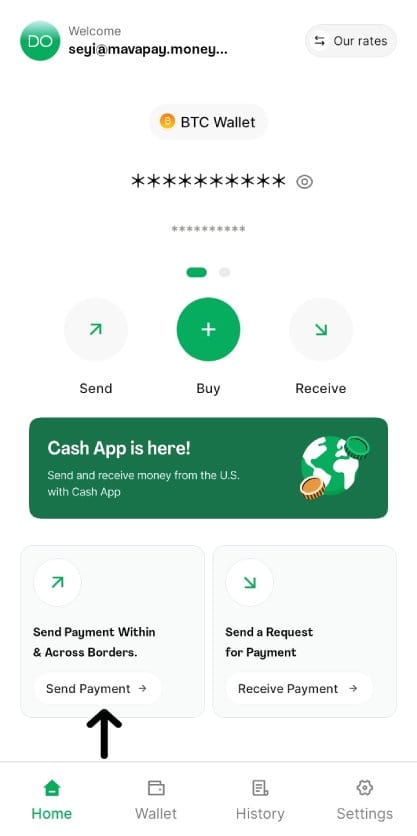
Click Send Payment in the Mavapay Money App menu
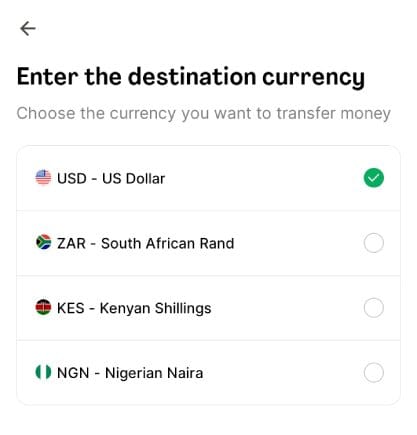
Choose US Dollar as the destination currency
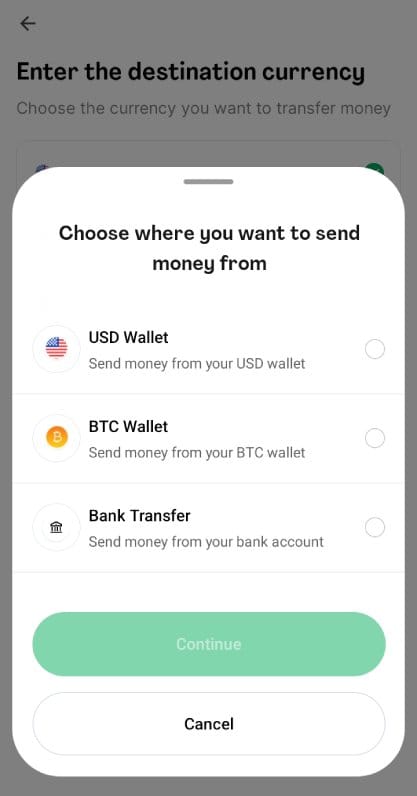
Select where you want to send the money from.
Choose Strike, then input the amount and the recipient Strike tag
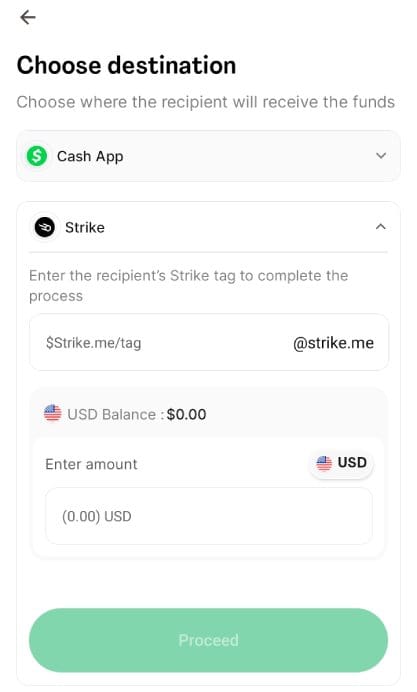
Ensure you have confirmed the recipient strike tag and hit Continue.
Once you click send, the recipient will receive the funds in seconds. That's the magic of bitcoin sent on the lightning network.