Receiving money from Cashapp
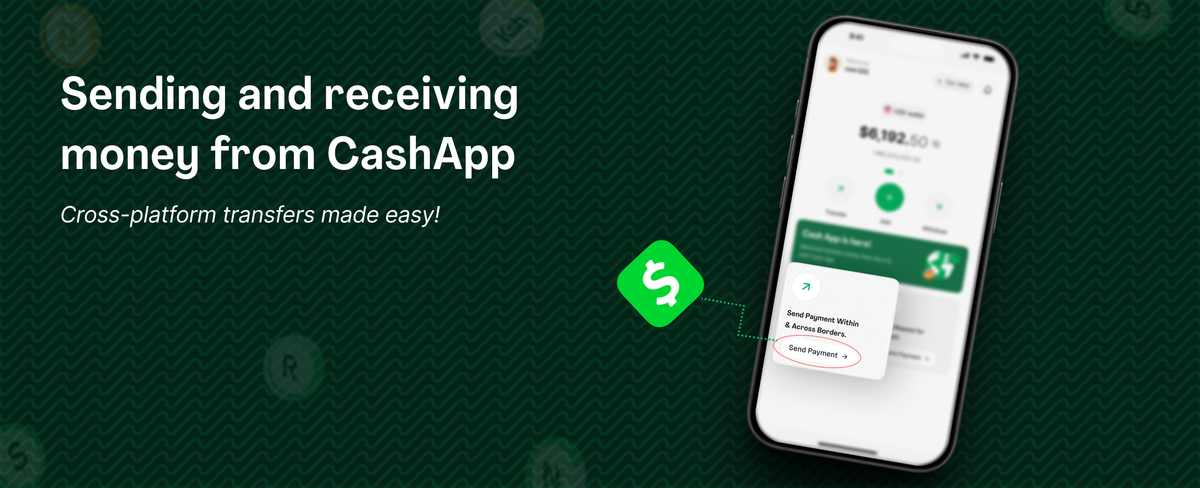
Cashapp is a very popular trendy app in the US, there is a high chance one of your friends or family members is among the 60 Million in America who use the app. Thanks to the borderless feature of bitcoin and the speed of lightning network, you can receive Naira sent from your loved ones who use Cashapp. You can also send money to Cashapp users and they receive it instantly.
There are two ways to receive money from Cashapp user.
The first way is by providing your lightning address which is further described in the steps below;
Ensure you have verified your ID, linked your bank account and created your Mavapay lightning address (yourname@mavapay.money)
Provide your mavapay money email to the sender.
The sender opens up their Cashapp, navigates to bitcoin menu and clicks send
The sender inputs the amount he/she wishes to send you.
The sender the pastes your lightning address and clicks send.
In seconds you receive the funds sent from the Cashapp user.
The second way is by generating a lightning invoice which is described in the following steps;
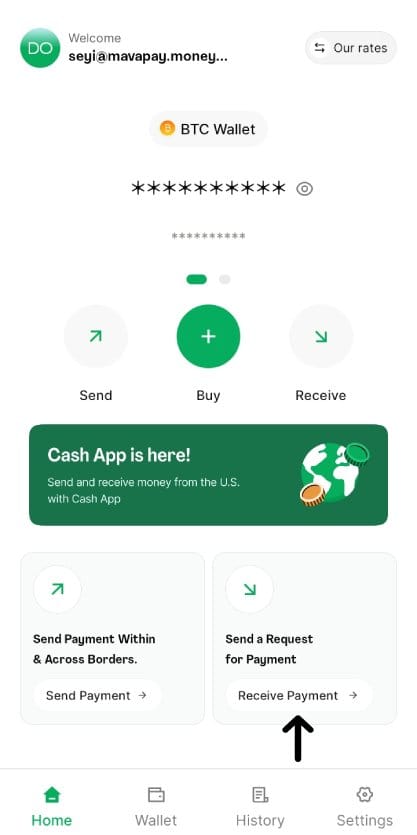
To receive money via a lightning invoice, open up your Mavapay Money app and hit receive payment.
Input the amount you want to receive (either in Naira or Sats)
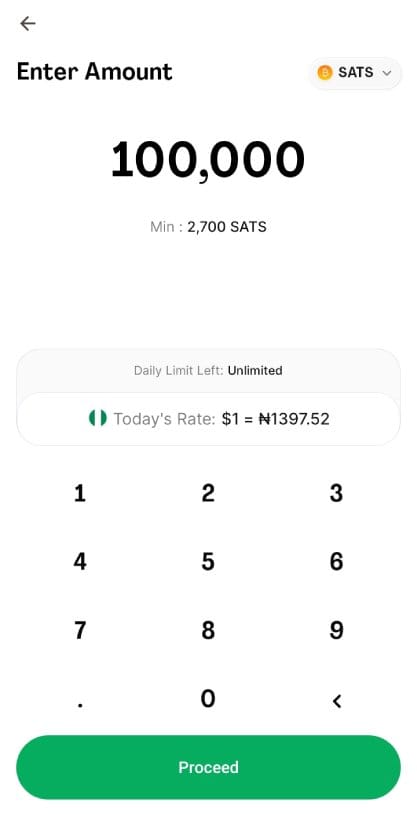
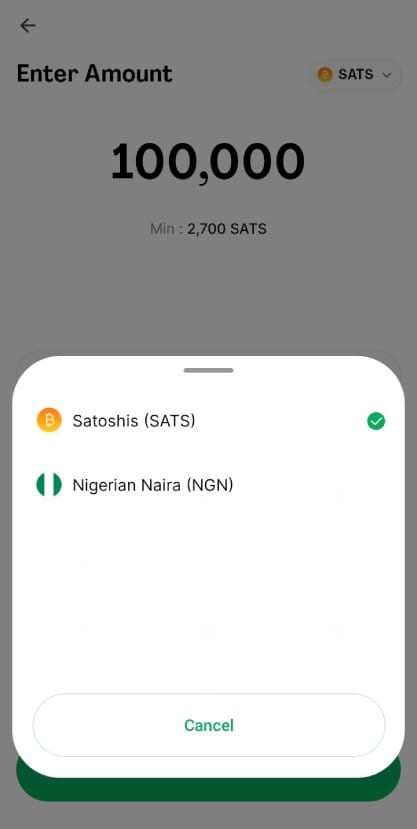
After choosing your preferred currency, you lightning invoice is instantly created for sending.
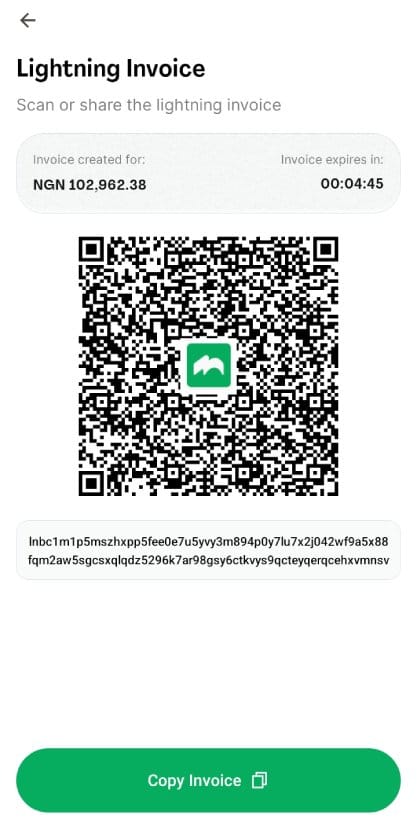
You then click Copy Invoice and send it to the Cashapp sender. Once he receives it, he can make payment instantly. If the invoice expires, you can simply generate another.
Once the sender hits send on Cashapp, you shall receive the funds in seconds.
For those who don't have the Mavapay Money App, you can;