Enable Bitcoin Payments on Cashapp
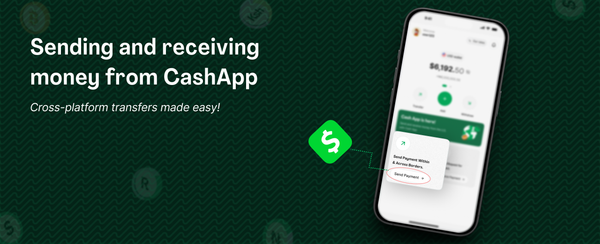
Cashapp is a very popular trendy app in the US, there is a high chance one of your friends or family members who live in the US currently use the app. Thanks to the borderless feature of bitcoin and the speed of lightning network, you can receive Naira sent from your loved ones who use Cashapp.
To enable sending bitcoin on Cashapp, you need be older than 18 years, then setup and verify your Cashapp.
Once you have done these, and Cashapp has verified your account meaning you can link your debit card or bank account and have confirmed your phone number, then you are good to go. Without doing these, the bitcoin option will be greyed out.
How to Buy Bitcoin on Cashapp
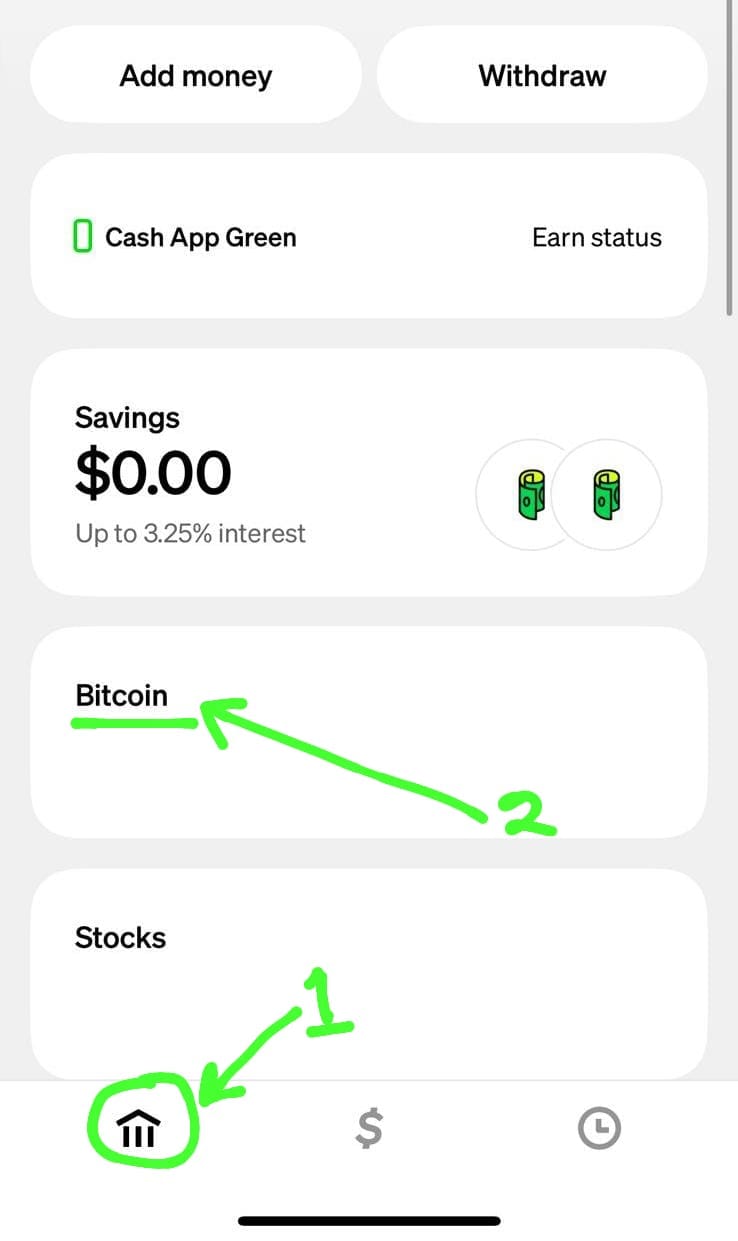
Buying Bitcoin on Cashapp is quite straightforward, after you open your app, you can either tap on the Bitcoin '₿' or go to the investing section. Then you click Buy and enter the amount and confirm.
How can I send bitcoin using Lightning?
- Tap the Payments ‘$’ tab on your Cash App to get to the home screen
- Click Bitcoin, then Send
- Paste the lightning invoice that was generated by the recipient and shared with you
- Alternatively you can choose to send to a lightning address(receiver@mavapay.money)
- Choose a source of funds
- Follow the prompts to confirm and pay the request
How do I send Naira to a Cashapp User
To send Naira to a Cashapp user, kindly do the following;
1: Click Send Payment on your home screen
2: Choose US Dollar as the destination currency
3: Then choose where you want to send from
4: Choose bank transfer since you are sending Naira
5: Select Cash App and follow the prompts
6: Input the recipients cashtag (@cash.app) and put in the Naira amount
7: Make payment into the bank details and click I have paid when transfer is successful
Receiver gets the money within seconds.